The purpose of Task Management in Hamara HR (HHR) is to help managers or administrators assign tasks to employees and enable employees to view and complete the tasks assigned to them through the mobile application.
In the Mobile application, the employee can perform tasks assigned to him/her in
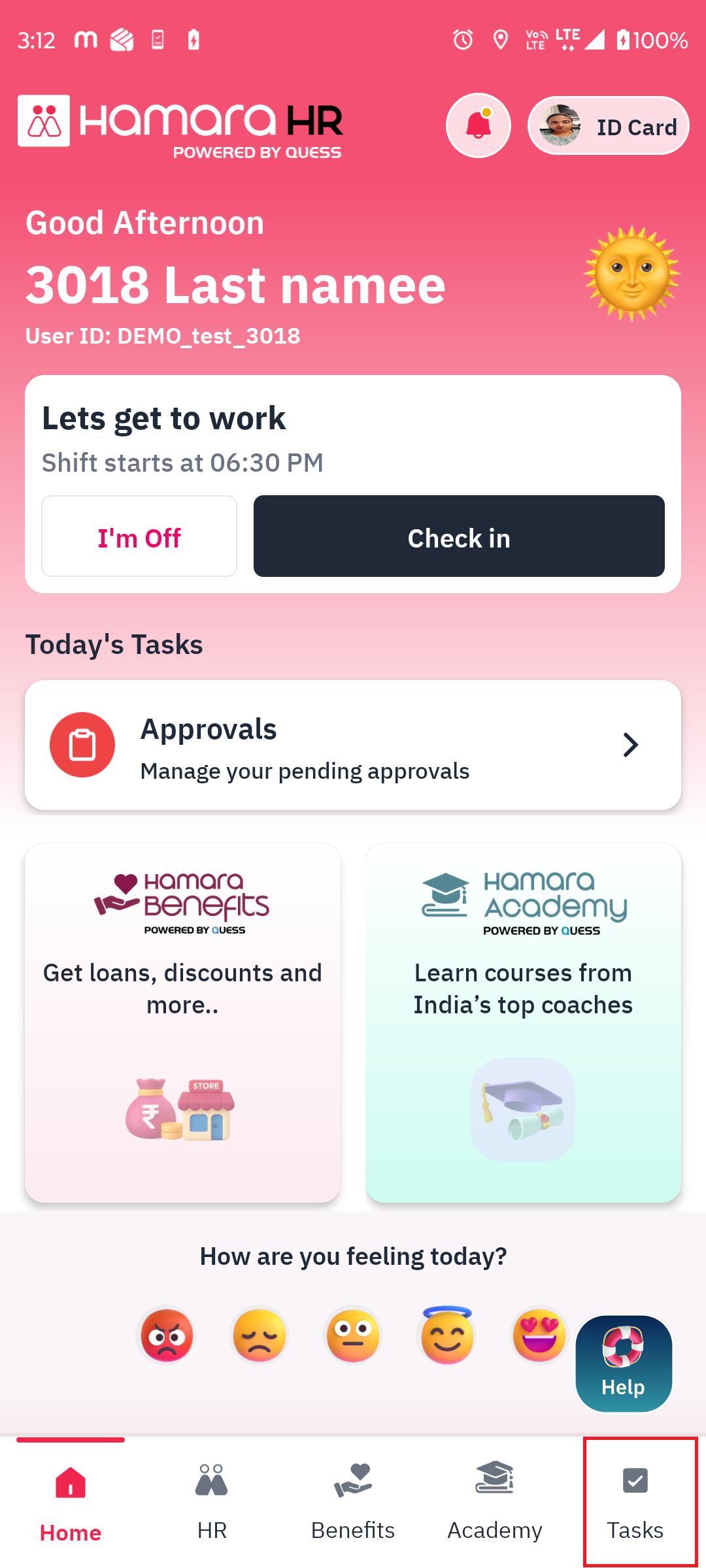
Navigation: Tasks (Bottom Menu) → Tasks → Assigned Tasks
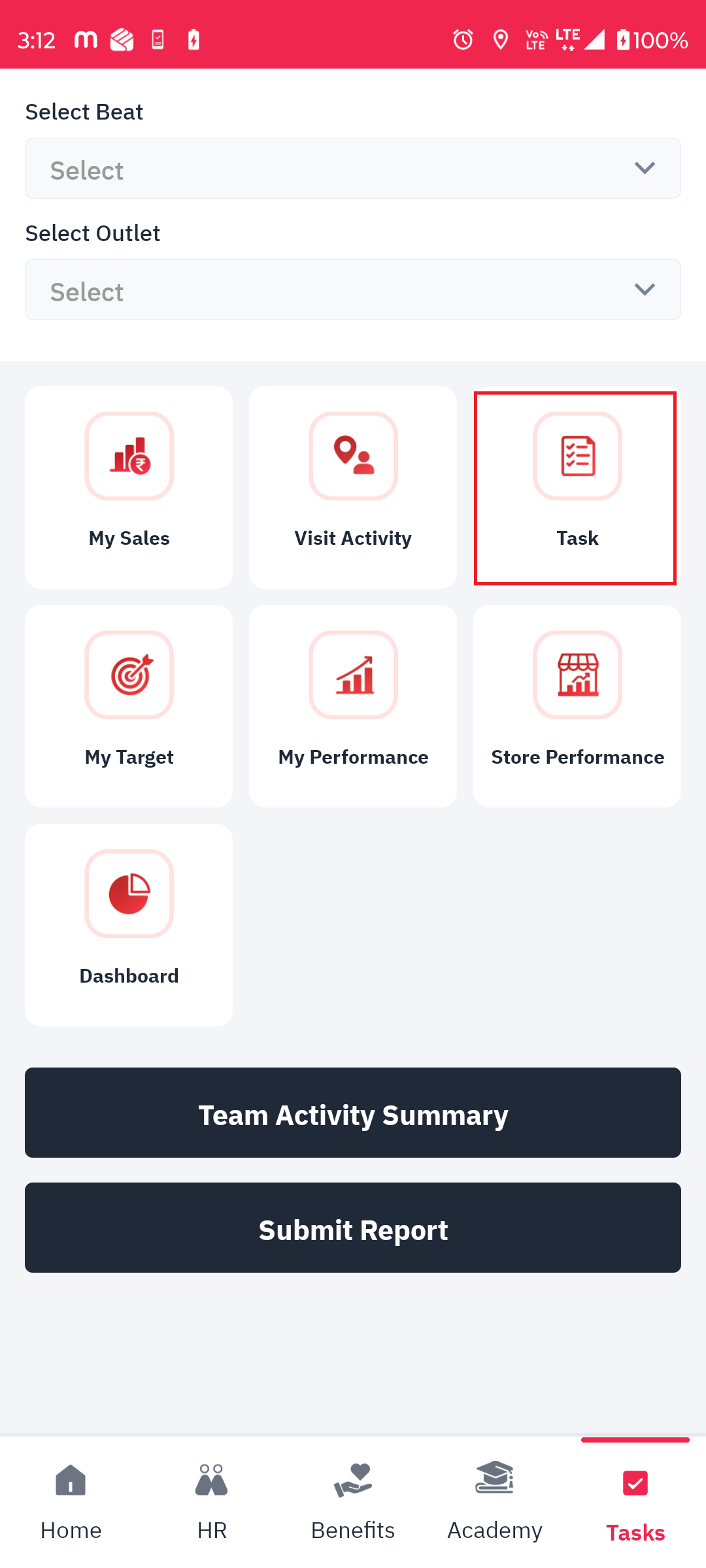
This is the assigned task by the manager to the employee
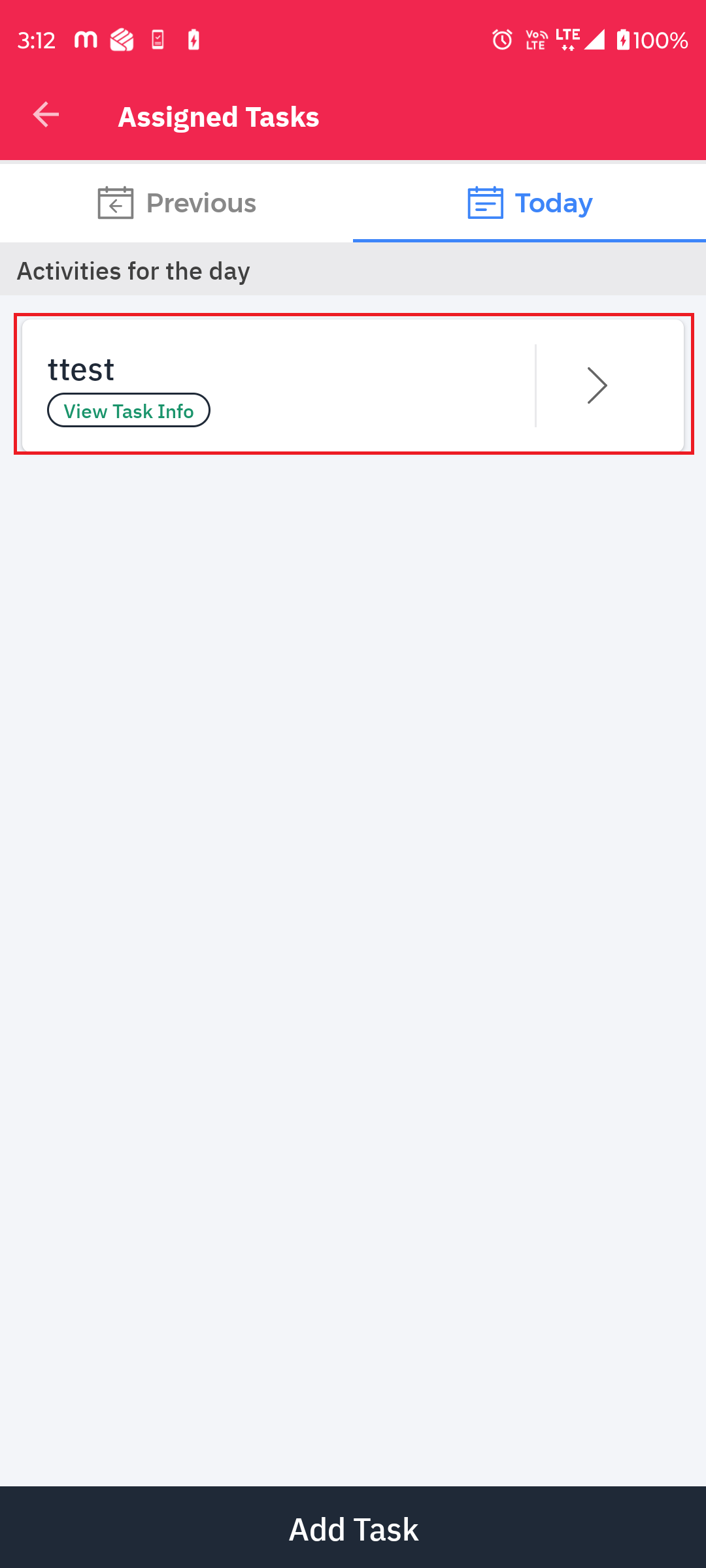
Employees can also create tasks on their own by clicking the Add Task option available at the bottom of the screen. Please refer to the above screenshot for reference (FYR).
Steps to Create a Task:
Navigate to Tasks (Bottom Menu) → Tasks.
Click on Add Task at the bottom of the screen.
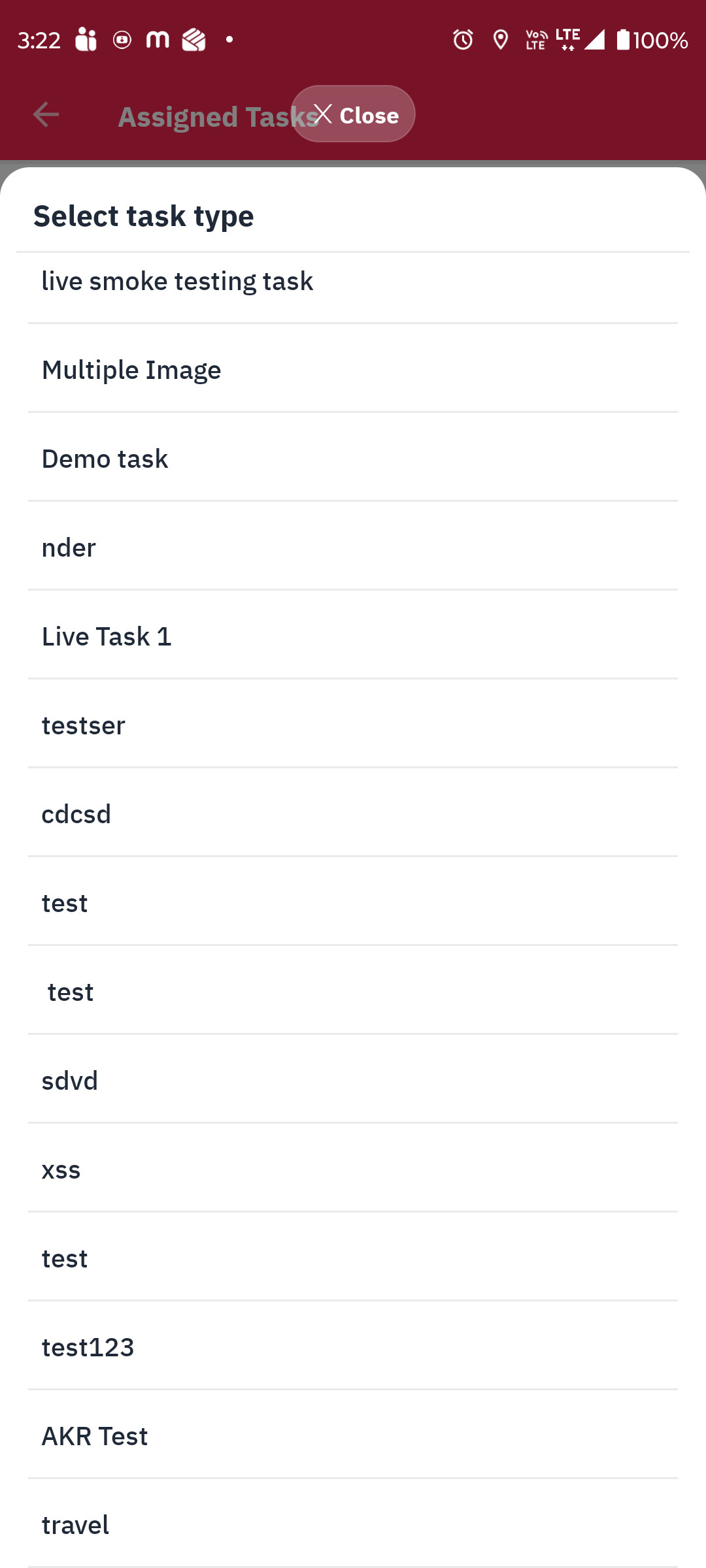
The app displays the existing task types configured in the Admin Panel.
Select the appropriate task type based on the activity to be performed.
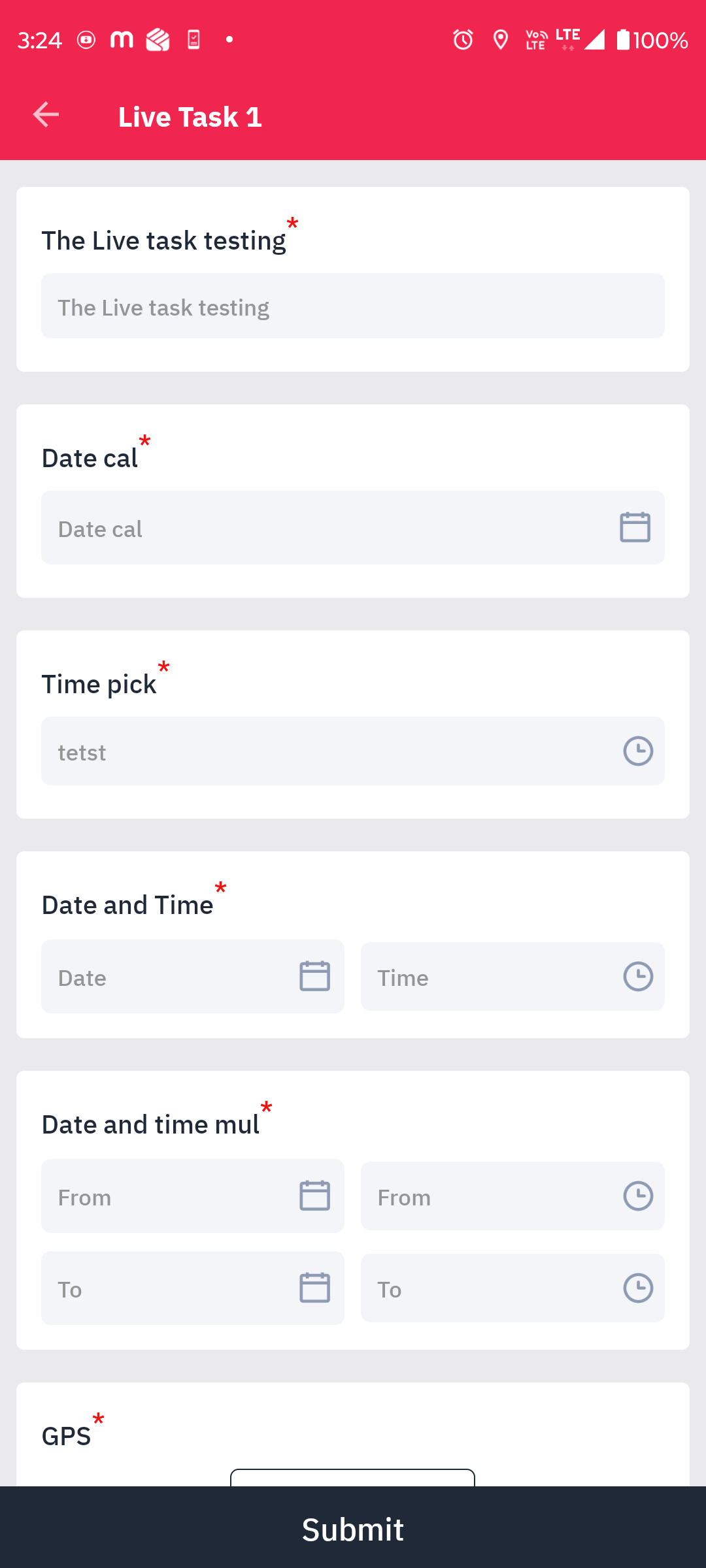
The app displays the questions or fields configured for the selected task type.
Fill in all the required fields and submit the task details.
Note: The available task types and their respective questions are configured in the Admin Panel. Employees can select an existing task type and provide the required information when creating a task.
Was this article helpful?
That’s Great!
Thank you for your feedback
Sorry! We couldn't be helpful
Thank you for your feedback
Feedback sent
We appreciate your effort and will try to fix the article